 Ottrin
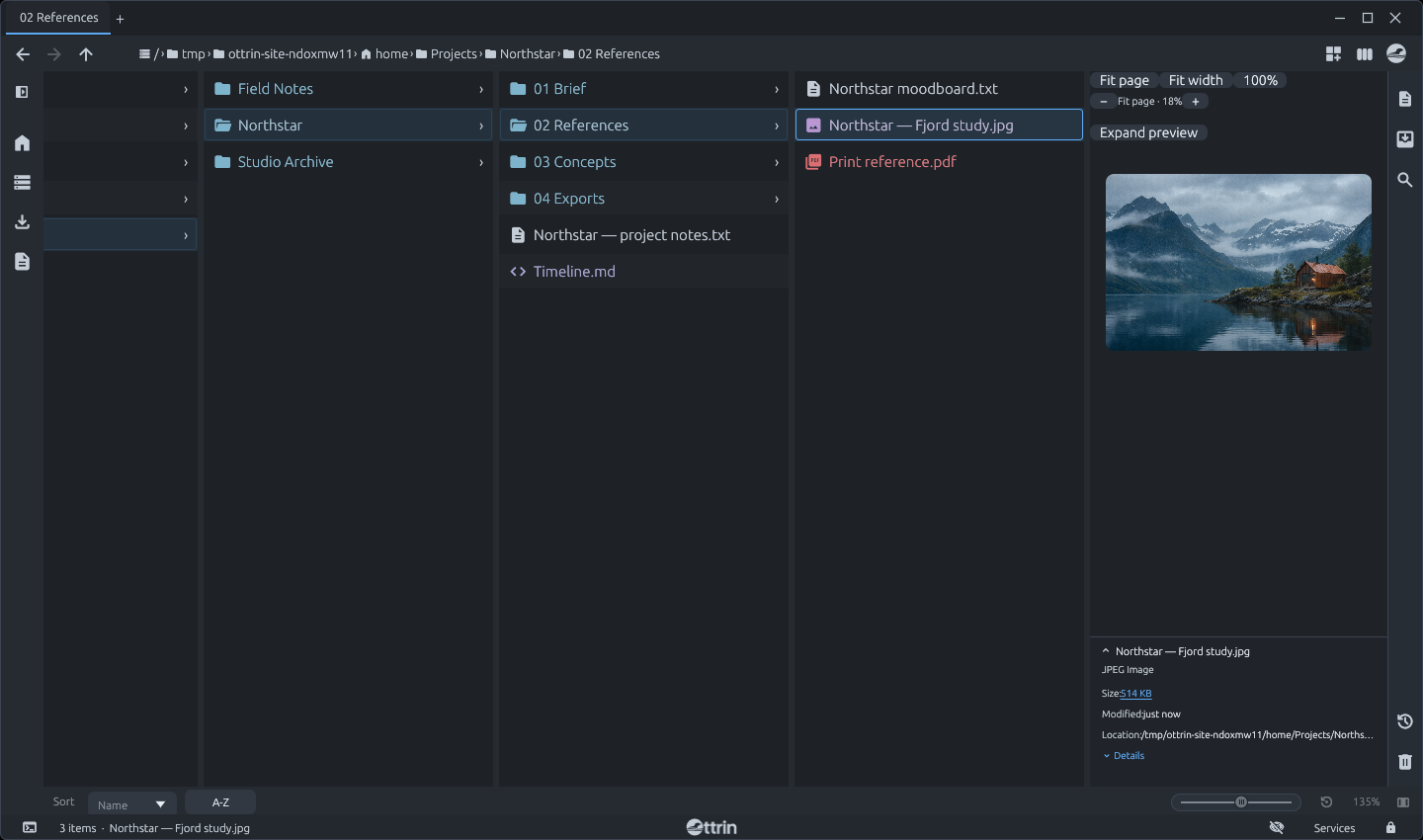
Column view
Keep parent folders and their contents side by side. Use the arrow keys to move, Enter to open, and Backspace to go up a folder. Switch to List or Grid whenever you like.
← → ↑ ↓ Browse
OPEN-SOURCE FILE MANAGER
Find files with a built-in search index, browse folders side by side, and manage files from the keyboard.
INDEXED SEARCH
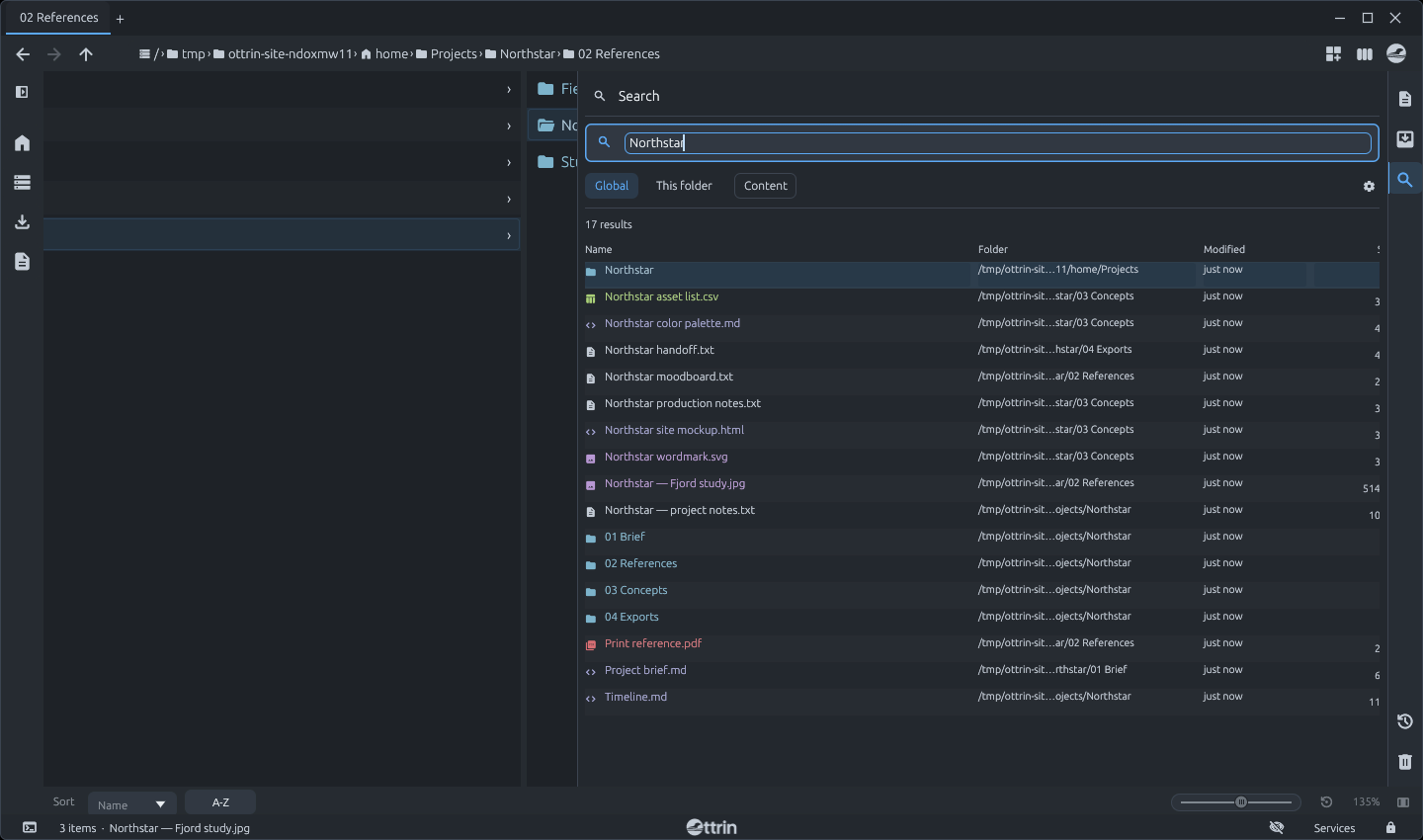
Ottrin’s search starts with a local index of the folders you choose. Search across indexed locations or narrow the scope to the current folder, then open a match or jump to its location.
Enable full-text indexing for selected folders to find supported files by the words inside them.
See search in Ottrin
Keep parent folders and their contents side by side. Use the arrow keys to move, Enter to open, and Backspace to go up a folder. Switch to List or Grid whenever you like.
Start typing while you browse to open the command bar. Jump to a path, create a folder with mkdir, or copy and move files with cp and mv.
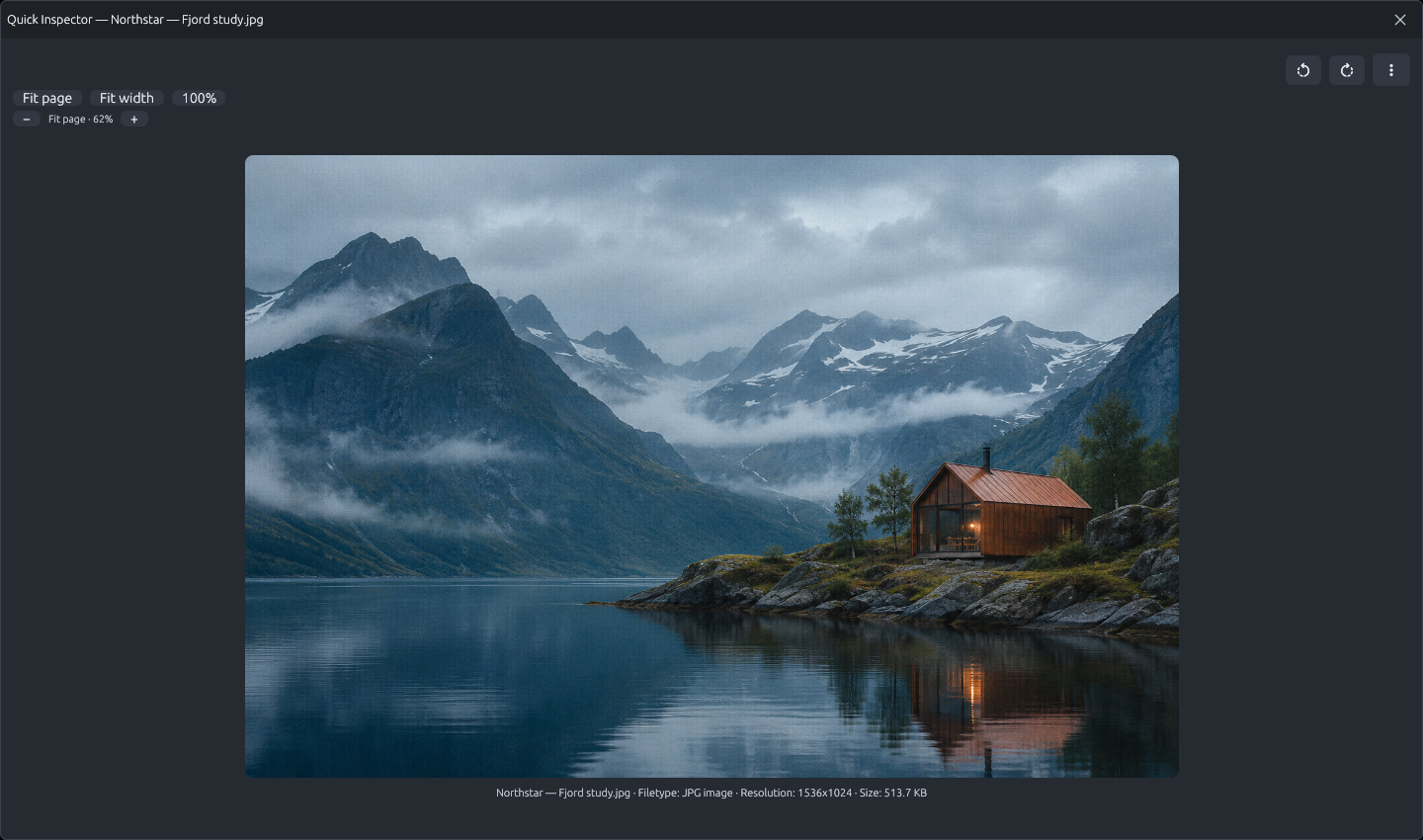
See an image, read a text file, or page through a PDF while you browse.
Start with a built-in preset like Nord or Solarized. Tweak the palette, typography, and file-type styling with a live preview. Save your own theme or export it to share.
IN DEVELOPMENT
Ottrin is being developed for Windows and Linux. The first public release is pending.